

How to Prepare Your Website for the Holiday Rush
The holiday season can make or break your online business. Traffic spikes, impatient shoppers, and increased transactions mean your website needs to be in top shape — before the rush begins.
If your site slows down, glitches, or (worst-case) crashes, you don’t just miss out on sales. You lose customer trust. And trust, during the most competitive season of the year, is everything.
Here’s how to get your website fully holiday-ready.
1. Test Your Website Speed
Shoppers won’t wait for a slow page to load — especially during the holidays. Every second counts.
Check for:
- Slow loading times
- Large images or heavy scripts
- Unnecessary plugins
- Server delays
Tools you can use:
- Google PageSpeed Insights
- GTmetrix
- Pingdom
Quick win:
Compress your images and enable browser caching. This alone can cut load time significantly.
2. Upgrade Your Hosting Plan (If Needed)
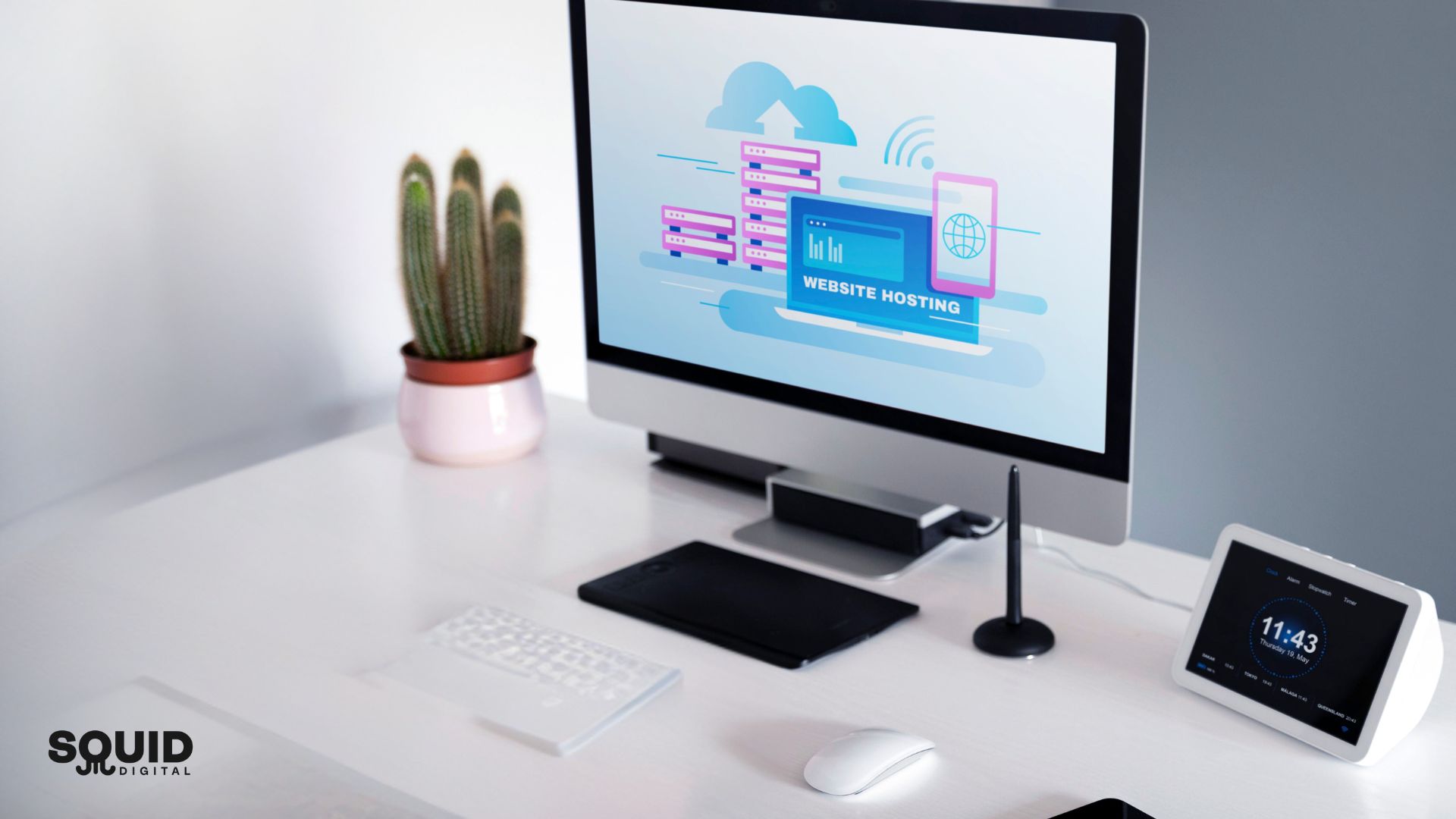
Holiday traffic spikes can overload shared hosting plans. If you’re expecting higher visits, your hosting must be able to handle it.
Consider upgrading to:
- Cloud hosting
- VPS
- Managed hosting
These provide better stability and flexible scaling so your site won’t buckle under pressure.
3. Run a Full Website Health Check
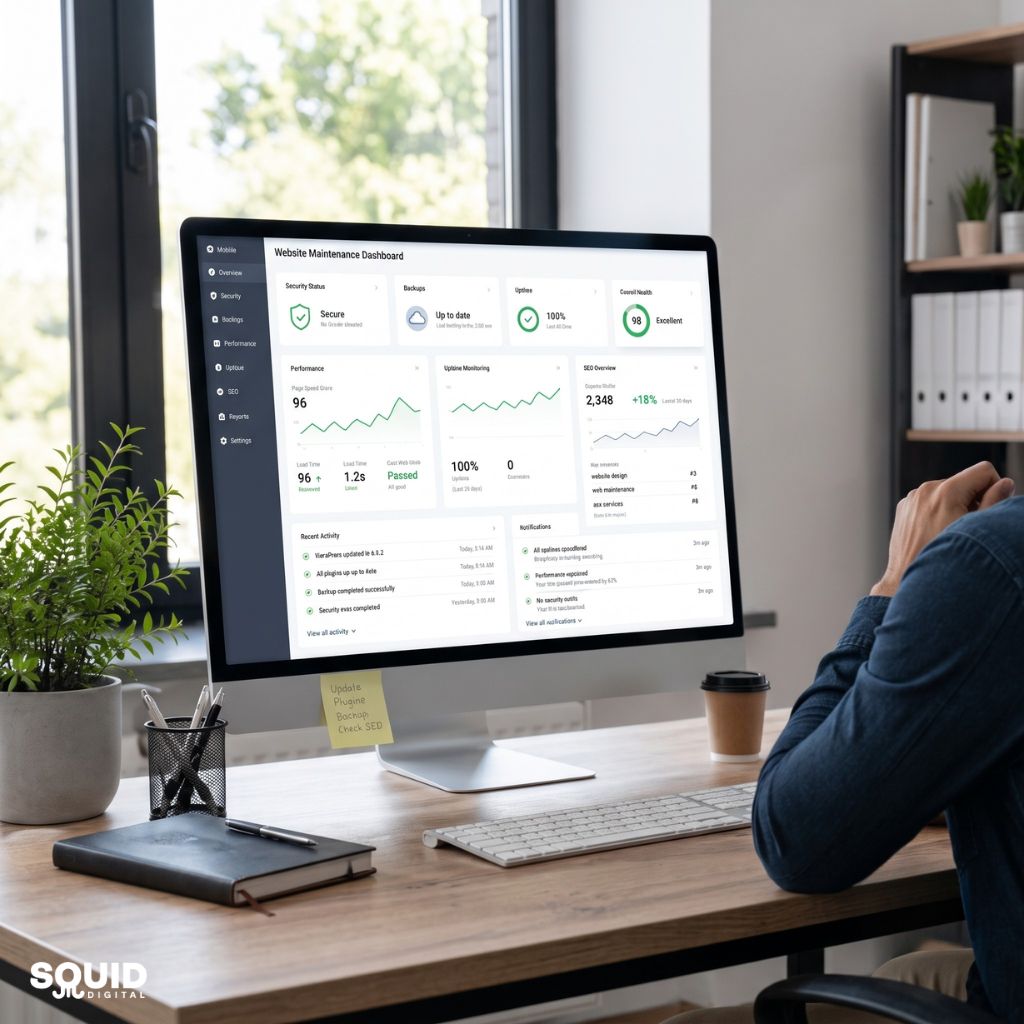
Before the rush, make sure every part of your website is working as intended.
Check for:
- Broken links
- Outdated plugins
- Redirect issues
- 404 errors
- Forms not submitting
- Buttons not clickable
- Checkout glitches
These tiny issues become big problems when traffic spikes.
4. Strengthen Your Website Security
Holiday seasons are also peak seasons for cyberattacks.
Ensure you have:
- SSL installed and updated
- Strong firewall
- Updated CMS and plugins
- Spam filters in place
- Regular backups
- Multi-factor authentication
A secure website protects both your business and your customers.
5. Optimise Your Product Pages
More traffic only helps if your site converts well.
Optimise for:
- Clear product descriptions
- High-quality, compressed images
- Fast-loading videos
- Easy-to-read layouts
- Prominent CTAs
- Updated stock levels
- Smooth mobile experience
Shoppers quickly compare options — make sure they find what they need fast.
6. Prepare Your Support System
More visitors means more questions, more problems, and more strain on customer support.
Before the holiday rush:
- Update your FAQ page
- Set up live chat or chatbots
- Add clear shipping, return, and holiday policies
- Ensure automated emails are working
- Create backup responses for common issues
Clear communication reduces frustration and boosts conversions.

7. Stress-Test Your Website
This is the final step before the holiday traffic hits.
Simulate high traffic loads using tools like:
This test shows how your site performs under pressure — so you can fix weaknesses now, not on your biggest sales day.
Conclusion
A well-prepared website isn’t just more reliable — it’s more profitable. Taking the time to improve speed, strengthen security, and optimise user experience helps you convert more holiday shoppers and build trust for the long term.
Don’t wait until January to fix problems that could cost you thousands in lost sales.
Need help getting your website holiday-ready?
Let Squid Digital audit your website, fix performance issues, and prepare everything for peak season — so your business runs smoothly when it matters most.