

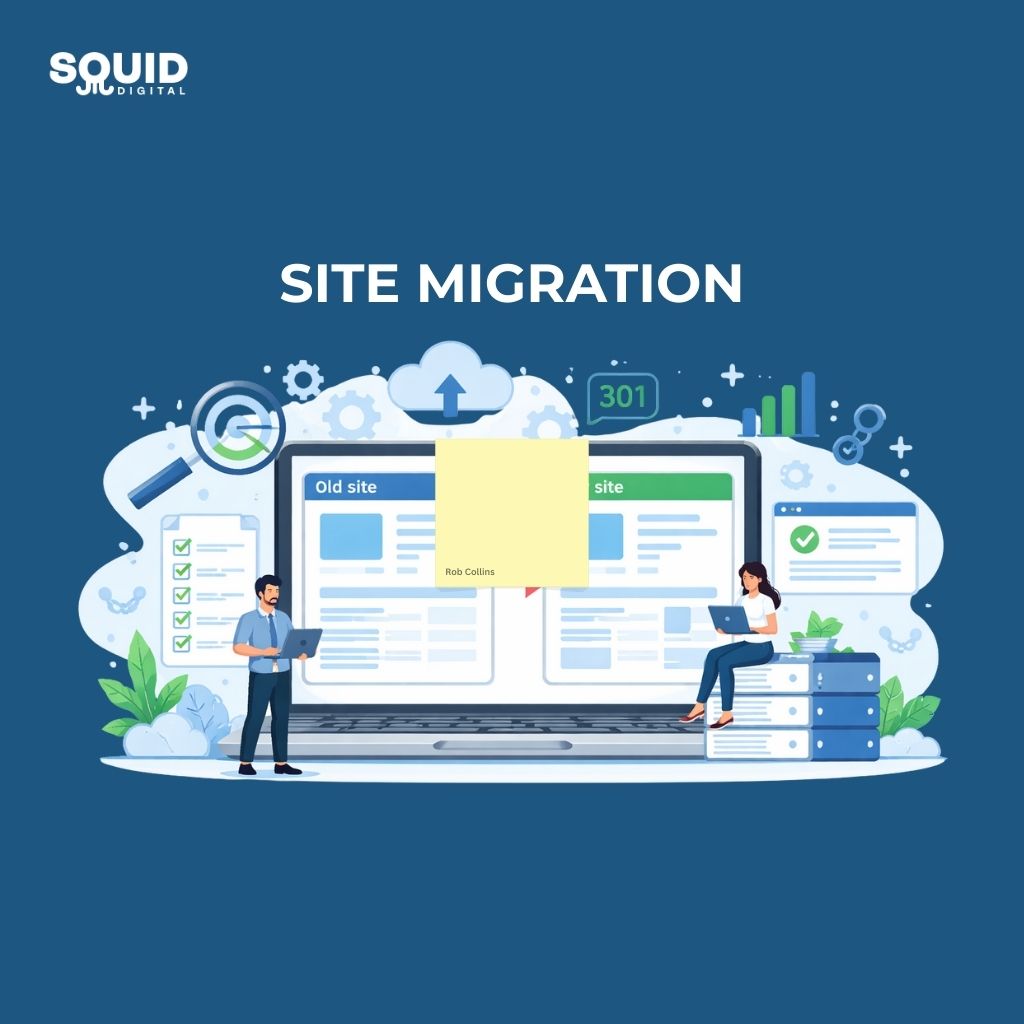
Zero Loss Site Migrations: The Technical SEO Checklist
Site migrations can be growth milestones—or self‑inflicted wounds. The difference is planning. Follow this checklist to keep rankings and avoid launch‑day panic.
Pre‑migration
- Inventory URLs (crawl current site) and tag templates vs unique pages.
- Map redirects from every old URL to its best new destination (301).
- Benchmark: export rankings, top pages, backlinks, and analytics goals.
- Replicate tracking (GA4, pixels) on staging.
Staging QA
- CWV and speed on key templates.
- Content parity: titles/meta/H1s preserved or improved.
- Schema markup validated.
- Internal links updated, no orphan pages.
- Robots & canonicals correct; sitemaps ready.

Launch day
- Remove staging passwords, update domains, submit sitemaps.
- Validate redirects with a crawl; fix any 404s quickly.
- Watch logs and Search Console for crawl errors.
Post‑launch (weeks 1–4)
- Daily checks on errors and key rankings.
- Address regressions fast; update redirect map as needed.
- Communicate wins (speed, UX) and align expectations—some flux is normal.
Final thoughts
A successful site migration isn’t about luck—it’s about discipline. When every URL is accounted for, tracking is preserved, and quality checks happen before and after launch, migrations stop being scary and start becoming opportunities. Expect some short-term movement, but with clean redirects, solid technical foundations, and close post-launch monitoring, rankings recover quickly—and often come back stronger.
Treat migrations as a structured SEO project, not a dev task, and you’ll avoid the costly mistakes that turn growth into regression.
Planning a re-platform or redesign?