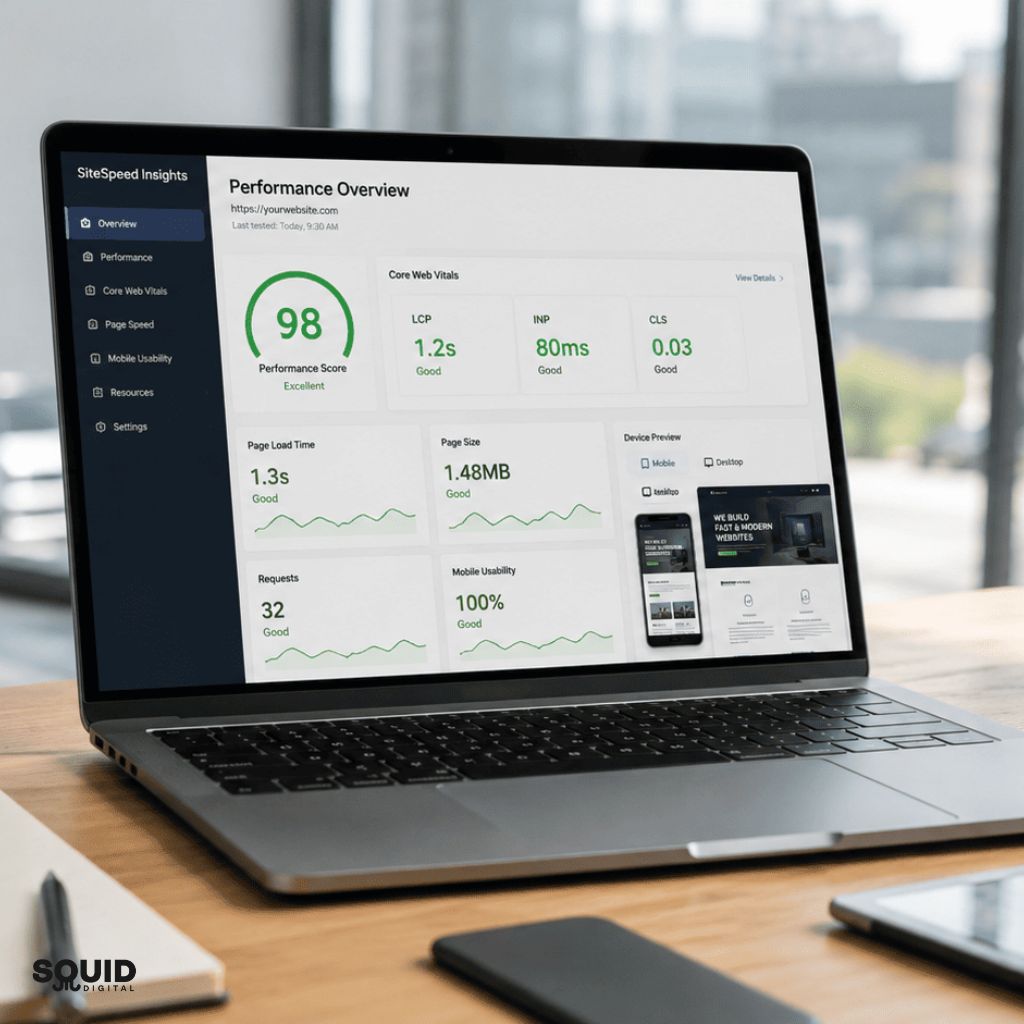


Accelerate Your Online Success: The Importance of Website Performance Optimisation
In today’s fast-paced digital world, users expect websites to be fast, responsive, and seamless. Whether you’re a small business owner, a growing eCommerce store, or a digital marketing agency, website performance can be the difference between a thriving online presence and one that struggles to convert visitors into customers.
Website performance optimisation isn’t just a technical concern—it’s a business imperative. From improving user satisfaction to boosting your search engine rankings, site speed and efficiency directly impact your success online.
In this article, we’ll explore why website performance matters, how it influences SEO and user behavior, and the top tools and techniques you can use to optimise your site.
Quick Summary: Website Speed Optimisation
Website speed optimisation improves how fast your website loads, directly impacting user experience, search rankings, and conversions. Faster websites retain visitors and increase engagement.
Squid Digital provides website speed optimisation in Sydney to help businesses improve performance, rankings, and online growth.
Why Website Performance Matters
-
User Experience Starts with Speed
Website speed is the first impression you make on a visitor. According to Google research, 53% of mobile users abandon a site if it takes longer than three seconds to load. That’s a small window of opportunity to engage your audience.
A fast-loading site means:
- Pages render quickly and smoothly
- Visitors can navigate easily
- Frustration is minimized
- Users are more likely to stay and explore
Poor performance, on the other hand, leads to high bounce rates, lower engagement, and lost opportunities. Your competitors are only a click away.
-
SEO Rankings Are Affected by Speed
Google has made it clear: site speed is a ranking factor for both desktop and mobile searches. The faster your site, the more likely it is to appear higher in search engine results.
In addition to speed, Google’s Core Web Vitals—a set of metrics focused on real-world user experience—have become a critical component of SEO. These include:
- Largest Contentful Paint (LCP) – How fast your main content loads
- First Input Delay (FID) – How quickly your site responds to user input
- Cumulative Layout Shift (CLS) – How stable your visual elements are during load
If your site scores poorly on these vitals, your visibility and traffic will suffer—even if your content is top-notch.
What Does Website Performance Mean?
Website performance refers to how quickly and efficiently a website loads, responds, and delivers content to users. It includes speed, responsiveness, stability, and usability, all of which impact user experience and SEO rankings.
Key Benefits of Website Performance Optimisation
Investing in performance optimisation isn’t just about pleasing Google—it also improves real business outcomes.
- Higher Conversion Rates: A 1-second delay in page load can lead to a 7% drop in conversions.
- Improved User Retention: Faster sites keep users engaged longer.
- Better Mobile Experience: Optimised performance ensures seamless browsing on all devices.
- Increased Revenue: Speed directly correlates with online sales and lead generation.
Whether you’re running a brochure site or a complex eCommerce platform, website performance optimisation translates into real, measurable value.
Why Website Speed is Important
Website speed is critical because it directly affects user engagement, search rankings, and conversions. Faster websites reduce bounce rates, improve usability, and increase the likelihood of users completing actions such as enquiries or purchases.
Tools to Measure Website Performance
Before you can improve performance, you need to measure it. Fortunately, there are several powerful tools available:
-
Google PageSpeed Insights
This free tool analyses your website and gives you a performance score for both desktop and mobile. It also provides actionable suggestions for improvement based on Core Web Vitals.
-
GTmetrix
GTmetrix combines performance scores with a waterfall breakdown of loading elements, showing what’s slowing your site down. It’s especially useful for identifying bottlenecks and optimizing media files.
-
WebPageTest
Provides deep-dive diagnostics, including first-byte time, time to first paint, and full page load timings across multiple locations and devices.
-
Lighthouse (in Chrome DevTools)
An open-source, automated tool that audits for performance, accessibility, best practices, and SEO. Ideal for developers who want a local or staged environment test.
Website Performance Audit Sydney
Website performance audits identify speed issues, technical limitations, and user experience problems that impact rankings and conversions.
- Performance benchmarking analysis
- Core Web Vitals assessment
- Speed testing across devices
- Technical issue identification
- Competitor performance comparison
- Actionable improvement roadmap
A detailed audit provides clear direction to improve website speed and performance.
Techniques to Optimise Website Performance
-
Optimise Images
Images are often the largest assets on a page. You can reduce load times significantly by:
- Compressing images with tools like TinyPNG or ImageOptim
- Using next-gen formats like WebP
- Lazy-loading images so they only load when needed
-
Minify CSS, JavaScript, and HTML
Minification removes unnecessary characters (like whitespace and comments) to reduce file size. Tools like UglifyJS, CSSNano, or HTMLMinifier can automate this process.
-
Use a Content Delivery Network (CDN)
A CDN distributes your site’s content across servers around the globe, serving users from the location closest to them. This drastically reduces latency and improves global access speeds.
Popular CDNs include:
- Cloudflare
- Akamai
- Amazon CloudFront
-
Leverage Browser Caching
Browser caching stores static files (like stylesheets, images, and scripts) locally so users don’t have to re-download them every time they visit your site. Configure your HTTP headers to enable caching for optimal durations.
-
Enable GZIP Compression
GZIP compresses files before sending them to the browser, reducing payload size and speeding up transfers. Most modern servers support GZIP and it can be enabled through server configuration.
-
Reduce HTTP Requests
Every element on your page—images, scripts, stylesheets—requires an HTTP request. Reduce the number of these by:
- Combining CSS and JS files
- Using icon fonts or SVGs instead of image icons
- Removing unnecessary plugins or third-party scripts
-
Optimise Your Hosting Environment
Even a perfectly optimised website will struggle if your server is slow. Choose hosting that offers:
- SSD storage
- High-speed caching layers
- Adequate memory and CPU resources
- Scalable infrastructure
Managed WordPress hosts like Kinsta, WP Engine, and SiteGround often come with built-in performance tools.
-
Database Optimisation
For CMS-driven sites like WordPress, the database can become bloated over time. Regularly clean up:
- Post revisions
- Spam comments
- Unused plugins and themes
You can also use plugins like WP-Optimise or WP Rocket for scheduled maintenance.
Page Speed Optimisation Sydney
Page speed optimisation focuses on improving individual page load times to enhance user experience and search rankings.
- Core Web Vitals improvements
- Page load time reduction
- Image and asset optimisation
- Code minification techniques
- Lazy loading implementation
- Browser caching configuration
Faster pages improve engagement, reduce bounce rates, and increase conversion rates.
Technical Website Optimisation Sydney
Technical optimisation improves backend performance, ensuring websites load efficiently across all devices.
- Server response time optimisation
- Code and script optimisation
- Resource loading improvements
- CDN integration strategies
- Mobile performance optimisation
- Technical SEO enhancements
Technical improvements ensure faster, more stable, and scalable website performance.
Performance Optimisation for Mobile
With over 60% of web traffic coming from mobile devices, optimizing for mobile performance is critical.
- Use responsive design so layouts adapt to screen sizes
- Prioritize above-the-fold content
- Avoid heavy scripts and unnecessary animations
- Test regularly on real devices, not just emulators
Google’s Mobile-Friendly Test is a quick way to ensure your site meets core usability standards.
WordPress Speed Optimisation Sydney
WordPress speed optimisation improves performance by refining plugins, themes, and hosting configurations.
- Plugin performance optimisation
- Theme efficiency improvements
- Database cleanup optimisation
- Image compression strategies
- Hosting performance tuning
- Caching implementation setup
Optimised WordPress websites load faster and deliver better user experience and rankings.
WordPress Optimisation
WordPress optimisation improves performance, stability, and scalability for growing websites.
- Plugin and theme optimisation
- Database and code cleanup
- Security and performance tuning
- Hosting performance improvements
- Backup and maintenance setup
- Scalability enhancements
Optimised WordPress environments support long-term performance and business growth effectively.
The Role of Continuous Monitoring
Website performance isn’t a “set and forget” task. Updates, plugin changes, traffic surges, and even external factors can impact your speed. Make performance monitoring part of your ongoing digital strategy:
- Set alerts for downtime or slow load times
- Run monthly audits using Lighthouse or GTmetrix
- Schedule regular updates and testing
- Ensure new content and features follow best practices
How Website Performance Optimisation Works
Website performance optimisation involves analysing, improving, and maintaining speed and efficiency.
Step 1 – Performance Testing
Identify issues affecting load times and user experience.
Step 2 – Technical Improvements
Optimise code, scripts, and server performance.
Step 3 – Content Optimisation
Reduce file sizes and improve asset delivery.
Step 4 – Continuous Monitoring
Track performance and maintain improvements over time.
This process ensures consistent performance and long-term website optimisation success.
Key Questions About Website Speed Optimisation
What is website performance testing?
Website performance testing measures how fast a website loads and performs under different conditions, identifying issues that impact speed and user experience.
How to analyse website performance?
Website performance is analysed using tools that measure load times, Core Web Vitals, and user interactions to identify optimisation opportunities.
How to optimise website performance?
Optimising performance involves improving code, reducing file sizes, enhancing hosting, and implementing caching and content delivery networks.
Final Thoughts: Speed is the New Currency Online
In the digital economy, attention spans are short and expectations are high. Your website has to do more than just look good—it has to perform. Optimizing for speed isn’t just about shaving milliseconds off load times. It’s about creating better experiences, increasing discoverability, and ultimately, growing your business.
At Squid Digital, we specialise in building fast, functional, and future-proof websites that perform across every device and platform. Whether you’re starting fresh or looking to improve your existing site, we can help you make every second count.
Want to boost your website performance and accelerate your online success?
Let’s chat
FAQs About Website Speed Optimisation
Why is WordPress so slow?
WordPress can be slow due to heavy plugins, unoptimised themes, poor hosting, and large media files. Optimisation improves performance significantly.
How to monitor website performance?
Use monitoring tools to track load times, uptime, and performance metrics regularly.
Does website speed affect SEO?
Yes, website speed is a ranking factor and directly impacts search visibility.
Can website speed improve conversions?
Yes, faster websites reduce friction and increase engagement, leading to higher conversions.
How much does website optimisation cost?
Costs vary depending on complexity, but audits and improvements provide strong ROI.
How long does optimisation take?
Initial improvements can be quick, while full optimisation may take longer depending on the website.
TL;DR (Too Long; Didn’t Read)
- Website speed impacts user experience, SEO, and conversions
- Use tools like Google PageSpeed Insights, GTmetrix, and Lighthouse to analyze performance
- Optimise images, reduce file sizes, leverage caching and CDNs
- Continuously monitor and improve your site for long-term success