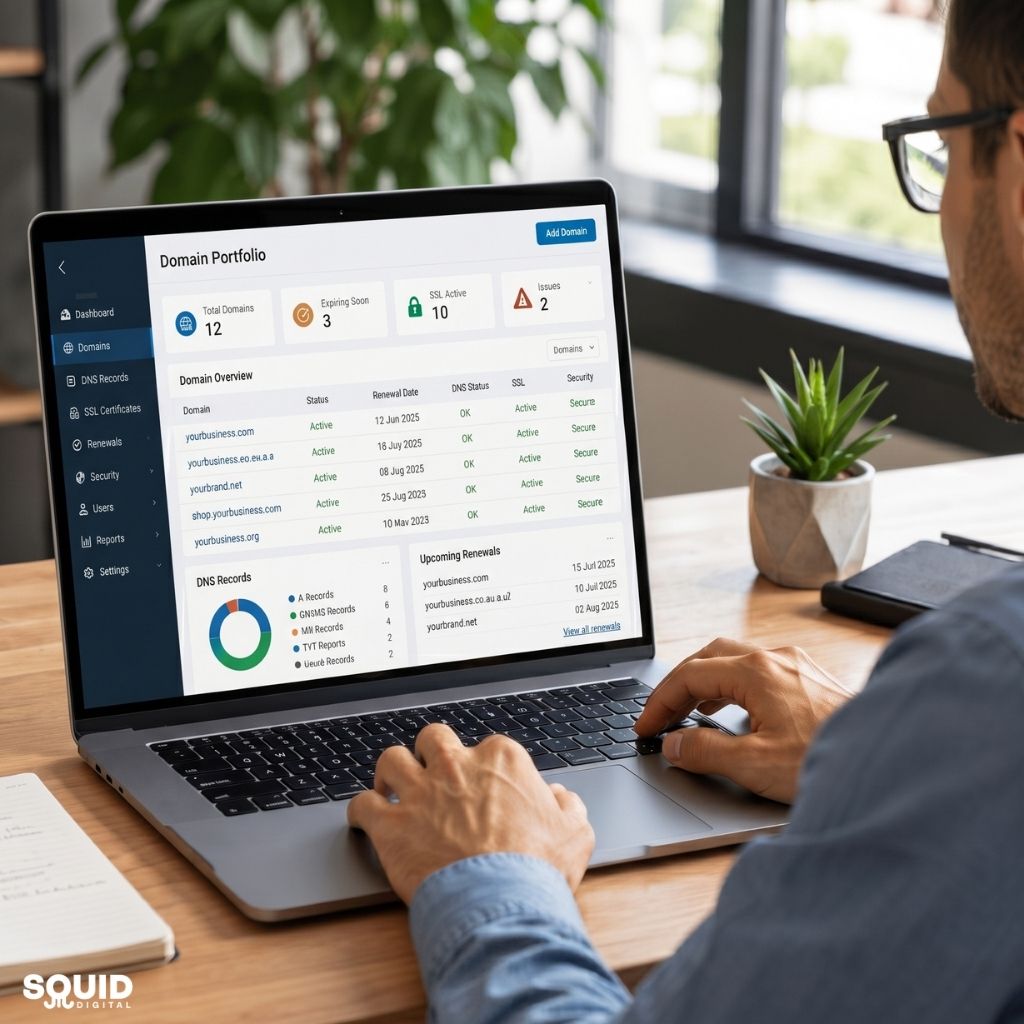


Website Maintenance Explained for Australian Businesses
Introduction: Why Website Maintenance Is No Longer Optional
Website maintenance is no longer a background task—it’s a core part of running a successful business online. For Australian businesses, a website often acts as the first point of contact, a sales channel, and a credibility signal all at once.
Yet many businesses still treat their website as something that can be launched and left untouched. In reality, websites require ongoing care to stay secure, fast, and effective. Without regular maintenance, even a well-designed site can slowly decline in performance, visibility, and user trust.
This guide explains what website maintenance actually involves, why it matters for Australian businesses, and how we can implement it in a practical, manageable way. By the end, we’ll have a clear understanding of how ongoing maintenance supports SEO, improves conversions, and protects business assets.
What Website Maintenance Actually Means (Beyond Just Updates)
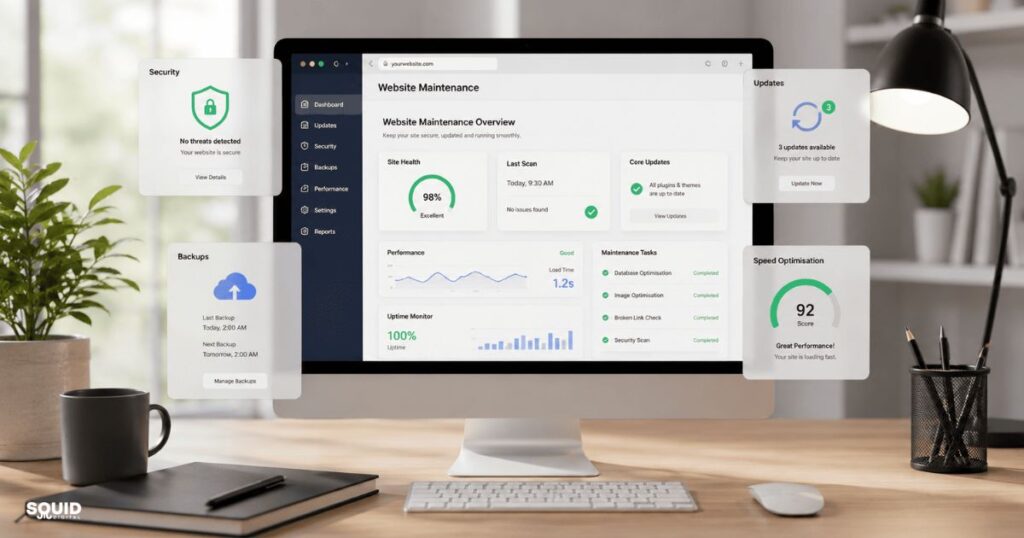
Website maintenance refers to the ongoing process of keeping a website secure, functional, up-to-date, and optimised for performance. It goes beyond simply updating plugins or fixing occasional bugs—it’s about ensuring the website continues to support business goals over time.
In simple terms, maintenance ensures a website works properly today and continues to work effectively tomorrow.
Key components of website maintenance
- Technical upkeep
- Hosting performance, uptime monitoring, and speed optimisation
- Security management
- Malware scans, firewall protection, and regular backups
- Content updates
- Updating service pages, blog content, and offers
- SEO health
- Fixing broken links, improving indexing, and maintaining structure
- Conversion optimisation
- Improving forms, calls-to-action, and user experience
Types of maintenance businesses should understand
- Preventative maintenance
- Regular updates and checks to avoid issues before they occur
- Corrective maintenance
- Fixing errors such as broken links or site crashes
- Adaptive maintenance
- Adjusting the site based on algorithm changes, tools, or user behaviour
Why Website Maintenance Matters for Australian Businesses
Website maintenance directly impacts visibility, credibility, and revenue. For Australian businesses competing in local and global markets, a well-maintained website is often the difference between being found—or being ignored.
A website that loads slowly, contains outdated content, or fails to function properly can quickly erode trust and reduce conversions.
Business impact areas
- Search visibility (SEO)
Search engines prioritise websites that are fast, secure, and regularly updated. Maintenance helps maintain rankings and organic traffic. - User trust and credibility
Outdated information or broken pages can make a business appear unreliable. - Lead generation and conversions
Even small issues, like a broken contact form, can result in lost enquiries. - Security and compliance
With increasing data privacy expectations in Australia, secure websites are essential.
Real consequences of poor maintenance
- Website downtime during peak periods
- Increased risk of hacking or malware
- Declining search rankings
- Higher bounce rates due to poor performance
Quick recap:
- Maintenance supports SEO performance
- It protects business reputation
- It directly influences conversions
How Website Maintenance Works in Practice
Website maintenance follows a continuous cycle of monitoring, fixing, and improving. It’s not a one-off task but an ongoing process designed to keep everything running smoothly.
At its core, maintenance ensures stability while also identifying opportunities for improvement.
Core maintenance cycle
- Monitor → Fix → Optimise → Repeat
What happens behind the scenes
- Updating CMS platforms (e.g., WordPress core updates)
- Managing plugins and themes
- Checking website speed and performance metrics
- Running backups to prevent data loss
- Scanning for vulnerabilities or security threats
Frequency of maintenance tasks
| Task Type | Frequency | Purpose |
| Backups | Daily / Weekly | Protect website data |
| Software updates | Weekly / Monthly | Maintain security and stability |
| Security scans | Weekly | Detect threats early |
| Performance checks | Monthly | Improve speed and UX |
| Content updates | Ongoing | Keep information relevant |
Industry insight:
Google’s increasing focus on user experience signals (such as Core Web Vitals) means that performance maintenance is now directly tied to SEO outcomes.
A Practical Website Maintenance Checklist for Small Businesses
A structured approach makes website maintenance manageable. Below is a step-by-step process we can follow to maintain a healthy website without feeling overwhelmed.
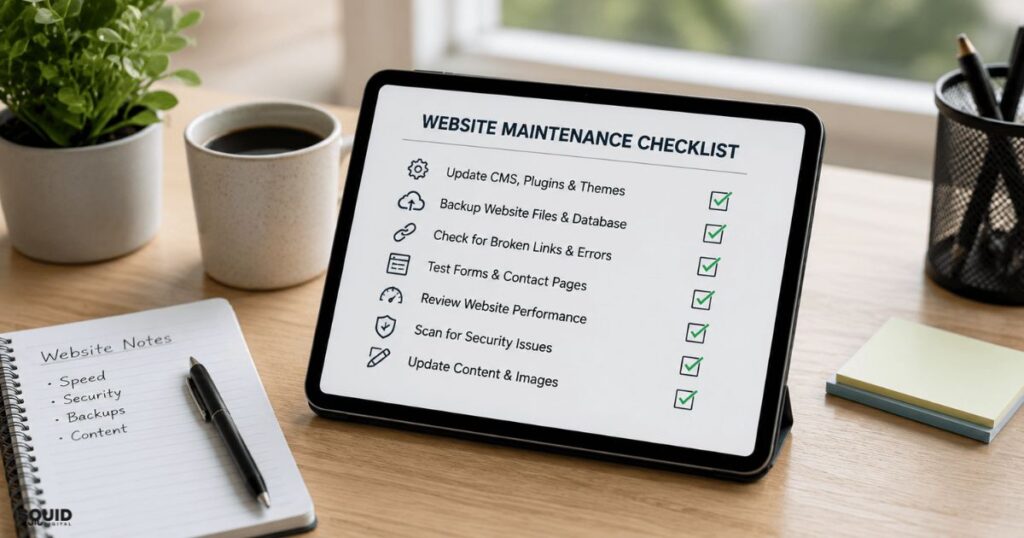
Monthly maintenance checklist
- Update CMS, plugins, and themes
Ensures compatibility, security, and access to new features. - Run a full website backup
Allows recovery in case of errors, crashes, or attacks. - Check for broken links and errors
Improves user experience and SEO performance. - Test contact forms and conversion points
Ensures enquiries and bookings are not lost. - Review page speed and mobile performance
Identifies slow-loading elements affecting user experience. - Scan for malware or vulnerabilities
Protects the site and user data from threats. - Refresh key content
Keeps services, pricing, and blog content relevant.
Quick weekly checks
- Confirm the website loads correctly on desktop and mobile
- Test enquiry forms
- Monitor uptime alerts
Experience-based insight:
Many businesses only discover issues when customers report them. A simple weekly check can prevent missed leads and reputational damage.
Common Website Maintenance Mistakes (and How to Avoid Them)
Most website issues are not caused by complexity—but by neglect or inconsistency. Avoiding common mistakes can significantly improve long-term performance.
Mistakes businesses often make
- Ignoring updates due to fear of breaking the site
- Skipping backups before making changes
- Treating maintenance as a one-off task
- Installing too many unnecessary plugins
- Neglecting mobile optimisation
How to avoid these issues
- Use a staging environment before applying updates
- Automate backups to reduce risk
- Schedule regular maintenance routines
- Keep plugins minimal and essential
- Regularly test mobile usability
Real-World Example: How Maintenance Impacts a Small Business Website
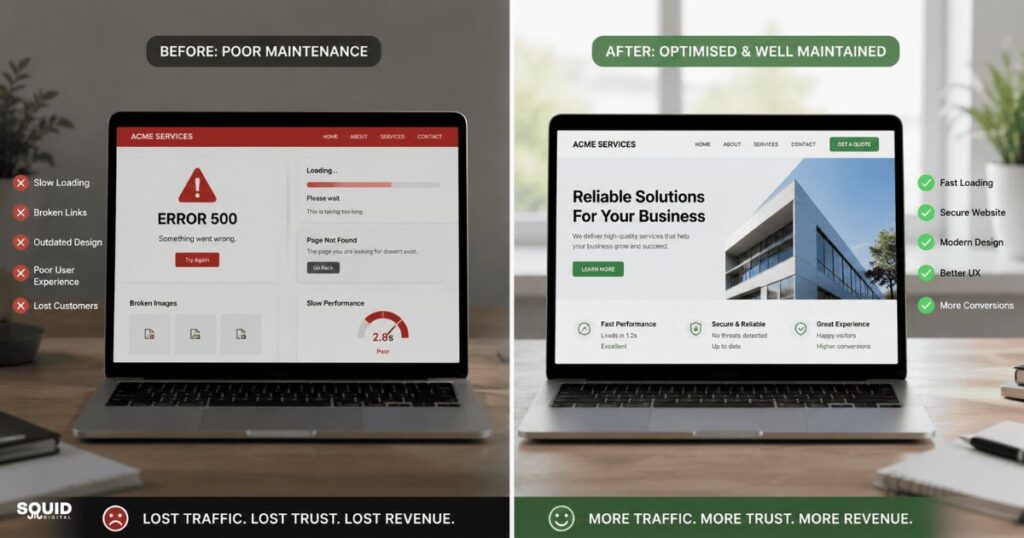
To understand the impact of website maintenance, consider a common scenario for a local service business.
Situation
A small Australian business (e.g., a villa rental or beauty clinic) had:
- Slow website speed
- Outdated service pages
- A broken enquiry form
Action
The business implemented a basic maintenance routine:
- Updated plugins and optimised images
- Fixed the enquiry form
- Refreshed content with relevant keywords
Outcome
- Faster load times improved user experience
- Search rankings gradually increased
- Enquiries rose due to functional forms
This example highlights how small, consistent improvements can produce measurable business results.
Should We Manage Website Maintenance In-House or Outsource It?
Choosing between in-house and outsourced website maintenance depends on resources, expertise, and business priorities.
Comparison table
| Option | Pros | Cons |
| In-house | Full control, lower upfront cost | Time-consuming, requires technical skills |
| Outsourced | Professional management, consistent care | Ongoing cost, less direct control |
When outsourcing makes sense
- Limited technical expertise
- Website plays a key role in revenue generation
- Need for consistent SEO and optimisation

Frequently Asked Questions About Website Maintenance
What is included in website maintenance?
Website maintenance includes updates, backups, security monitoring, performance optimisation, and content improvements. These tasks ensure the site remains functional and effective.
How often should a website be maintained?
At minimum, websites should be checked weekly and maintained monthly. High-traffic or e-commerce sites may require more frequent updates.
How much does website maintenance cost in Australia?
Costs vary depending on complexity, but most businesses pay a monthly fee ranging from basic to comprehensive service packages.
Can we maintain a website ourselves?
Yes, but it requires time, tools, and technical understanding. Many businesses start DIY and later outsource as they grow.
What happens if a website is not maintained?
The site may become slow, vulnerable to attacks, and lose search rankings. Over time, this can lead to reduced traffic and lost revenue.
Does website maintenance improve SEO?
Yes. Regular updates, improved speed, and fixing errors all contribute to better search engine performance.
Is website maintenance different for WordPress sites?
Yes. WordPress sites require frequent updates for plugins, themes, and core files to maintain security and functionality.
Keeping Your Website Running Smoothly for the Long Term
Website maintenance is not just a technical task—it’s a business strategy. A well-maintained website supports visibility, builds trust, and drives consistent results.
Businesses that prioritise maintenance benefit from:
- Better search rankings
- Improved user experience
- Higher conversion rates
In contrast, neglecting maintenance often leads to gradual decline and costly fixes later.
In a competitive digital landscape, ongoing optimisation is what keeps a website relevant and effective.
Putting Website Maintenance into Practice
The best starting point is simple: review the current state of our website and identify gaps in performance, security, and content—then apply a consistent maintenance routine to improve it over time.
Contact us now to discuss a practical website maintenance approach that keeps your website secure, fast, and performing effectively for your business goals.
Subscribe to our LinkedIn newsletter for ongoing insights, practical tips, and updates on website maintenance, SEO, and digital performance strategies.