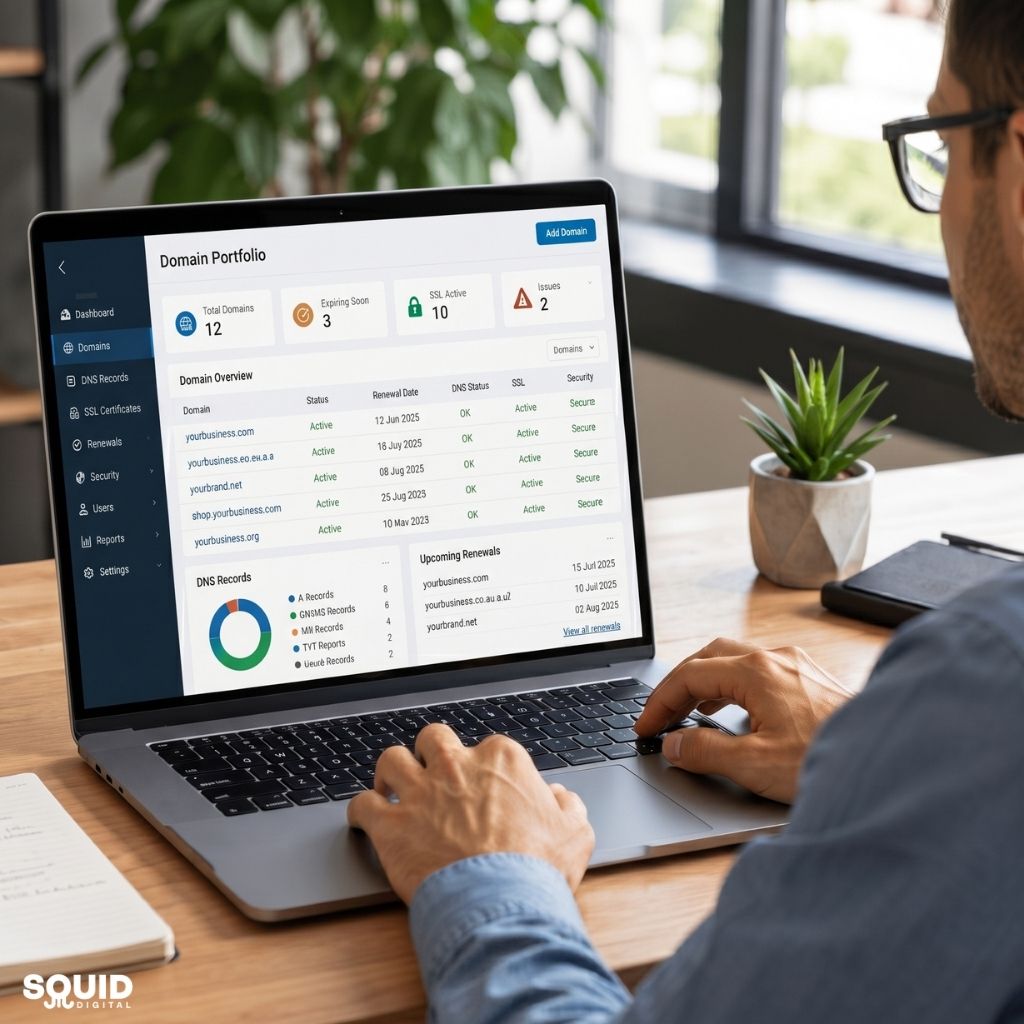


What Does Website Maintenance Include? Critical Services for Long-Term Website Success
Introduction
What does website maintenance include? In simple terms, website maintenance involves the ongoing tasks required to keep a website secure, fast, functional, and effective for visitors. While many businesses focus heavily on launching a website, the work does not stop once the site goes live. Regular maintenance is essential for ensuring that a website continues to perform as expected and supports business goals over the long term.
A neglected website can quickly develop problems. Security vulnerabilities, outdated software, broken forms, slow loading speeds, and poor user experiences can all affect customer trust and search engine rankings. Even a small issue can result in missed enquiries, lost sales, or reduced online visibility.
For small businesses, a website is often one of the most valuable marketing assets. It works around the clock to attract visitors, generate leads, and support customer engagement. This makes ongoing maintenance an important investment rather than an optional expense.
In this guide, we’ll explore what website maintenance includes, why it matters, the core services involved, practical maintenance tasks, and how regular upkeep contributes to long-term website success.
Understanding Website Maintenance and Why It Matters
What Does Website Maintenance Include?
Website maintenance refers to the continuous process of monitoring, updating, and improving a website after it has been launched. Its primary purpose is to ensure the website remains secure, functional, and aligned with business objectives.
Unlike website development, which focuses on creating a website, maintenance focuses on preserving and enhancing its performance over time.
Website maintenance typically includes:
- Software updates
- Security monitoring
- Website backups
- Performance optimisation
- Content reviews
- Technical troubleshooting
- Functionality testing
These tasks help prevent problems before they affect users and ensure the website continues to deliver a positive experience.
Why Website Maintenance Is Essential for Long-Term Success
Website maintenance is critical because websites operate within a constantly changing digital environment. New security threats emerge regularly, software platforms release updates, and user expectations continue to evolve.
A properly maintained website offers several benefits:
- Improved website security
- Better user experience
- Faster loading speeds
- Higher search engine visibility
- Increased reliability
- Reduced risk of downtime
From an SEO perspective, search engines favour websites that provide a smooth and trustworthy experience. Technical issues such as broken pages, slow speeds, or malware infections can negatively impact rankings.
What Can Happen When Website Maintenance Is Ignored?
Ignoring website maintenance often leads to avoidable problems.
Common consequences include:
- Security breaches caused by outdated software
- Broken contact forms that stop enquiries from arriving
- Slow page speeds that increase bounce rates
- Compatibility issues following browser updates
- Reduced search engine visibility
- Loss of customer confidence
For small businesses, these issues can directly impact revenue. A website that fails to function properly can result in missed opportunities and unnecessary repair costs.
The Core Services Included in Website Maintenance
Security Monitoring and Protection
Security is one of the most important aspects of website maintenance.
Cyber threats continue to increase each year, and websites of all sizes can become targets. Even small business websites can be vulnerable if software updates are ignored.
Security maintenance commonly includes:
- Installing security updates
- Applying software patches
- Monitoring suspicious activity
- Running malware scans
- Managing user permissions
- Implementing firewall protection
Industry experts consistently recommend proactive security monitoring because recovering from a hacked website is often significantly more expensive than preventing an attack.
Website Backups and Recovery
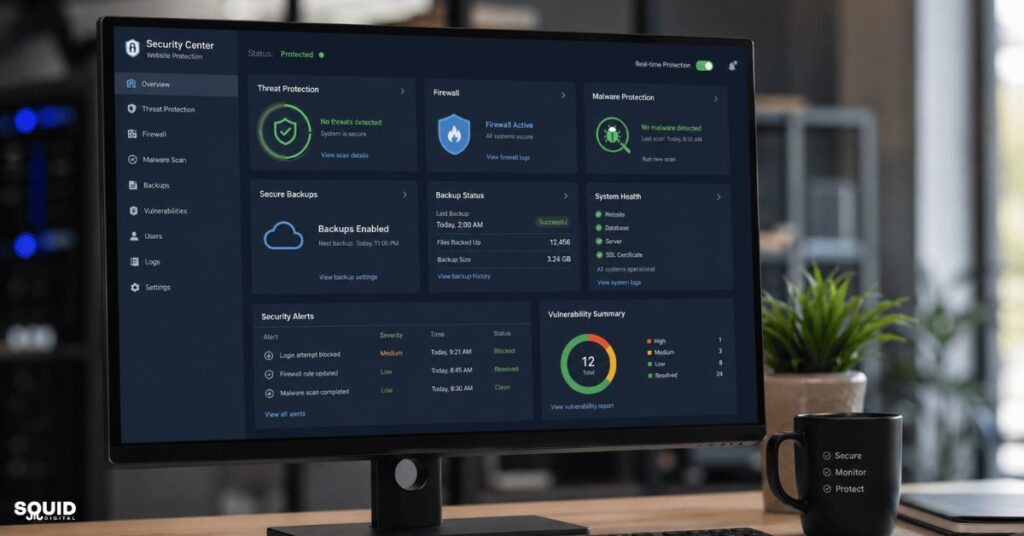
Website backups act as a safety net.
If a website experiences data loss, hacking, server failure, or accidental errors, backups allow the site to be restored quickly.
A comprehensive backup strategy typically includes:
- Automated backup scheduling
- Database backups
- File backups
- Off-site backup storage
- Recovery testing
Many businesses assume backups are working until they need them. An important best practice is regularly testing backup recovery procedures to ensure they function correctly when required.
Performance Monitoring
Website speed and performance directly affect both user experience and SEO.
Visitors expect pages to load quickly. Studies consistently show that slow websites experience higher bounce rates and lower conversion rates.
Performance monitoring often includes:
- Page speed testing
- Core Web Vitals monitoring
- Database optimisation
- Image optimisation
- Hosting performance reviews
- Resource usage analysis
As search engines place increasing emphasis on user experience signals, performance monitoring has become a key part of modern website maintenance.
Technical Maintenance
Technical maintenance ensures all website components continue working together correctly.
Most modern websites rely on multiple technologies, including content management systems, plugins, themes, and integrations. Regular updates help maintain compatibility and stability.
Technical maintenance generally covers:
- CMS updates
- Plugin updates
- Theme updates
- Error monitoring
- Compatibility testing
- Bug fixes
For websites built on platforms such as WordPress, these updates are especially important because outdated plugins are a common source of security vulnerabilities.
Content and Functionality Reviews
Content maintenance is often overlooked, but it plays a significant role in website effectiveness.
Over time, information becomes outdated, links break, and forms stop functioning correctly.
Regular reviews should include:
- Checking for broken links
- Testing enquiry forms
- Reviewing business information
- Updating outdated content
- Optimising images
- Improving user experience elements
Maintaining accurate content helps build trust while ensuring visitors can easily find the information they need.
Website Maintenance Tasks Explained at a Glance
Maintenance Service Breakdown
| Maintenance Task | Purpose | Recommended Frequency |
|---|---|---|
| Website backups | Protect website data | Daily or weekly |
| Plugin updates | Improve security and compatibility | Weekly |
| CMS updates | Maintain platform stability | As released |
| Security scans | Detect threats and malware | Daily |
| Performance checks | Improve speed and usability | Monthly |
| Broken link audits | Enhance user experience | Monthly |
| Form testing | Ensure enquiries are received | Monthly |
| Content reviews | Maintain relevance and accuracy | Quarterly |
Which Tasks Are Most Critical?
Not all maintenance activities carry the same level of urgency.
The highest-priority tasks typically include:
- Security updates
- Website backups
- Malware monitoring
- Contact form testing
- Performance checks
Failing to perform these tasks can create immediate business risks.
Key Takeaways
- Security and backups should never be neglected.
- Functional contact forms are essential for lead generation.
- Performance affects both user experience and SEO.
- Small issues can become major problems if left unresolved.
A Practical Website Maintenance Checklist for Small Businesses
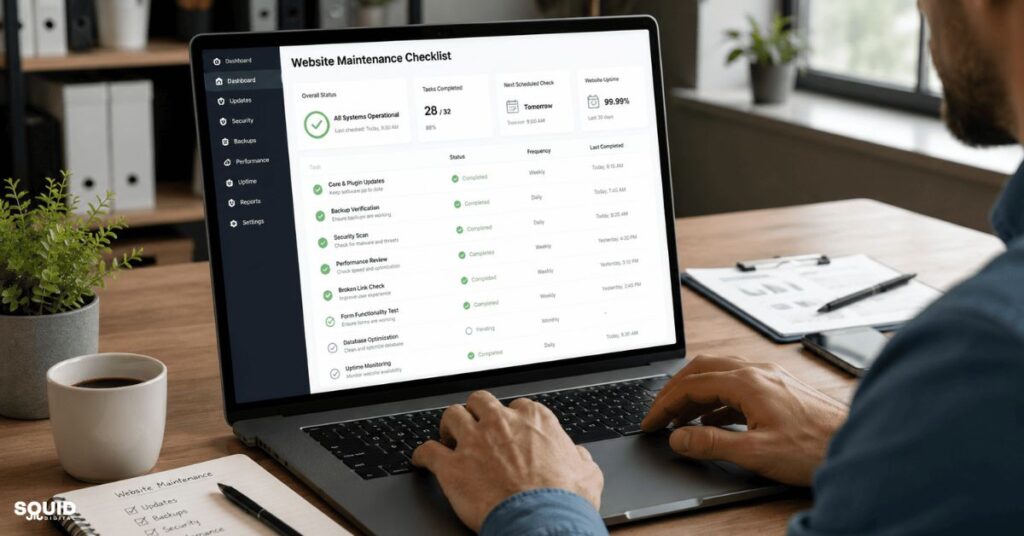
A structured maintenance process makes website management significantly easier. Rather than reacting to problems, businesses can proactively prevent them.
Weekly Website Maintenance Tasks
- Check website uptime and accessibility.
- Review security notifications and alerts.
- Verify recent backups have completed successfully.
- Test contact and enquiry forms.
- Monitor website traffic for unusual activity.
Monthly Website Maintenance Tasks
- Update plugins and website software.
- Run a comprehensive security scan.
- Review website speed and performance.
- Check for broken links.
- Test mobile responsiveness.
- Remove unused plugins or files.
Quarterly Website Maintenance Tasks
- Audit website content.
- Review SEO performance.
- Update outdated information.
- Assess user experience and navigation.
- Review conversion performance.
Annual Website Maintenance Tasks
Step-by-Step Website Review Process
- Evaluate hosting performance
- Review uptime, speed, and resource usage to determine whether current hosting remains suitable.
- Audit website content
- Update outdated pages and ensure all information remains accurate.
- Review compliance requirements
- Check privacy policies, cookie notices, and legal pages.
- Assess website functionality
- Test forms, integrations, booking systems, and other critical features.
- Align the website with business goals
- Ensure the website continues to support current marketing and growth objectives.
Businesses that follow a structured maintenance schedule often experience fewer technical issues and better long-term website performance.
How Website Maintenance Supports SEO and Business Growth

Website maintenance plays a direct role in both search engine optimisation and overall business performance. While many people associate SEO primarily with keywords and content, technical website health is equally important.
The Connection Between Maintenance and Search Rankings
Search engines want to deliver the best possible experience to users. A well-maintained website is more likely to meet the technical and usability standards that search engines value.
Regular maintenance helps support:
- Faster page loading times
- Better mobile usability
- Improved website security
- Reduced technical errors
- More efficient crawling and indexing
When search engines encounter broken pages, excessive loading times, or security warnings, rankings can suffer. Website maintenance helps minimise these issues and creates a stronger foundation for SEO efforts.
Why Google Rewards Well-Maintained Websites
Google’s ranking systems increasingly focus on user experience and website quality. While maintenance itself is not a direct ranking factor, many maintenance activities influence factors that affect rankings.
Examples include:
- Improving page speed through optimisation
- Fixing broken internal links
- Maintaining mobile responsiveness
- Preventing downtime
- Ensuring secure HTTPS connections
A website that performs reliably is more likely to retain visitors, reduce bounce rates, and generate positive engagement signals.
Business Benefits Beyond SEO
The value of website maintenance extends far beyond search visibility.
Businesses often experience benefits such as:
- Increased customer trust
- Higher lead generation rates
- Better conversion performance
- Lower emergency repair costs
- Improved operational efficiency
From experience, one of the most common issues faced by small businesses is discovering a website problem only after customers report it. A proactive maintenance strategy helps identify issues before they affect users.
Quick Summary
- Maintenance supports SEO through better technical performance.
- Reliable websites create stronger user experiences.
- Preventative maintenance is typically more cost-effective than emergency fixes.
- Consistent monitoring helps protect marketing investments.
Real-World Example: How Regular Maintenance Protects a Small Business Website

Scenario: Local Service Business Website
Imagine a local plumbing company that relies heavily on its website to generate enquiries.
The business receives steady traffic from Google and uses a contact form as its primary lead generation tool. The website was professionally built several years ago but receives little ongoing attention.
Problems Caused by Neglected Maintenance
Over time, several issues begin to develop:
- An outdated plugin creates a security vulnerability.
- The contact form stops sending enquiries.
- Page loading speed gradually slows.
- Broken links begin appearing throughout the website.
Because no regular maintenance checks are performed, these problems remain unnoticed for months.
Results After Implementing a Maintenance Plan
The business decides to implement a structured website maintenance process.
Actions taken include:
- Updating software and plugins
- Testing and repairing forms
- Optimising website performance
- Implementing automated backups
- Conducting monthly security scans
Within a few months, the website becomes faster, more reliable, and easier for customers to use.
Key Lessons for Small Business Owners
The outcome highlights several important lessons:
- Prevention is more affordable than recovery.
- Website maintenance protects lead generation systems.
- Small technical issues can have significant business consequences.
- Regular monitoring helps avoid costly downtime.
Situation → Action → Outcome is a common pattern seen across many small business websites. Businesses that maintain their websites consistently often experience fewer disruptions and stronger long-term performance.
Common Website Maintenance Mistakes to Avoid
Even businesses that recognise the importance of maintenance sometimes make avoidable mistakes.
Assuming the Website Will Run Itself
A common misconception is that websites require little attention after launch.
In reality, websites depend on software, hosting infrastructure, integrations, and security systems that require ongoing monitoring and updates.
Delaying Software Updates
Postponing updates may seem harmless, but it can expose websites to known security vulnerabilities.
Many cyber attacks target websites running outdated software because these weaknesses are publicly documented.
Not Testing Backups
Creating backups is only part of the process.
If backups cannot be restored successfully, they provide little value during an emergency. Regular recovery testing should be included in any maintenance plan.
Focusing Only on Design Changes
Some businesses prioritise visual updates while neglecting technical maintenance.
A modern-looking website can still suffer from security problems, slow performance, or broken functionality.
Ignoring Website Analytics and Performance Data
Analytics provide valuable insights into website health and user behaviour.
Ignoring performance data can result in:
- Missed optimisation opportunities
- Undetected technical issues
- Reduced conversion performance
- Poor user experiences
Businesses should regularly review analytics alongside maintenance activities.
Frequently Asked Questions About Website Maintenance
What does website maintenance include on a monthly basis?
Monthly website maintenance typically includes software updates, security scans, performance reviews, backup verification, broken link checks, and form testing.
These activities help ensure the website remains secure, functional, and up to date.
How often should a website be maintained?
Website maintenance should be ongoing.
Certain tasks, such as security monitoring, may occur daily, while others, such as content reviews, may be completed quarterly or annually.
Can I do website maintenance myself?
Yes, many website owners can handle basic maintenance tasks themselves.
However, larger or more complex websites often benefit from professional support, particularly for security, technical troubleshooting, and performance optimisation.
How much does website maintenance typically cost?
Costs vary depending on website size, complexity, and maintenance requirements.
A simple brochure website may require minimal ongoing costs, while larger e-commerce or business websites often require more comprehensive support.
Is website maintenance necessary for small business websites?
Yes. Small business websites are just as vulnerable to technical issues and security risks as larger websites.
Regular maintenance helps protect customer trust, search visibility, and lead generation performance.
Does website maintenance improve SEO?
Yes, indirectly.
Website maintenance supports factors that influence SEO, including site speed, usability, security, crawlability, and technical performance.
What is the difference between website maintenance and website support?
Website maintenance focuses on preventative activities that keep a website running smoothly.
Website support typically involves troubleshooting and resolving issues after they occur.
Both are valuable but serve different purposes.
What happens if website maintenance is not performed regularly?
Without regular maintenance, websites become more vulnerable to security threats, technical failures, performance problems, and SEO declines.
Over time, the cost of fixing neglected issues often exceeds the cost of preventative maintenance.
Keeping Your Website Healthy for the Long Term
Website maintenance is not simply about fixing problems when they appear. It is an ongoing process that helps keep a website secure, reliable, and aligned with business goals.
Throughout this guide, we’ve explored what website maintenance includes, from software updates and backups to security monitoring, performance optimisation, and content reviews. Each activity contributes to a healthier website and a better experience for visitors.
For small businesses, regular maintenance also protects marketing investments. A fast, secure, and functional website is more likely to attract visitors, generate enquiries, and support long-term growth.
Rather than viewing maintenance as a cost, it is more helpful to view it as a preventative investment that reduces risk and improves website performance over time.
Building a Simple Website Maintenance Routine
The best place to start is by creating a regular maintenance schedule and identifying the tasks that matter most for your website.
Even a simple monthly checklist covering updates, backups, security scans, and performance reviews can significantly reduce the risk of future problems and help keep your website performing at its best.
Need help keeping your website secure, fast, and running smoothly? Contact our team to discuss a website maintenance solution that supports your long-term business goals.
Stay updated with the latest website, SEO, and digital marketing insights by following our LinkedIn newsletter and receive practical tips to help your business grow online.